Commission statuses
- Pending - newly created, often held for a review or refund window.
- Approved - cleared and eligible for the next payout.
- Paid - included in a completed payout.
- Rejected - declined, and never paid.
- Refunded - reversed because the underlying payment was refunded.
Approve commissions
1
Open the Commissions tab
Go to Customers and switch to Commissions. Pending commissions sit at the top.
2
Review the sale
Each row shows the customer, the partner, and the amount. Open a commission to see the underlying transaction.
3
Approve or decline
Use the actions on each row to approve or decline, or Approve all to clear the whole pending queue at once. Approved commissions move to the next payout.
Where commissions come from
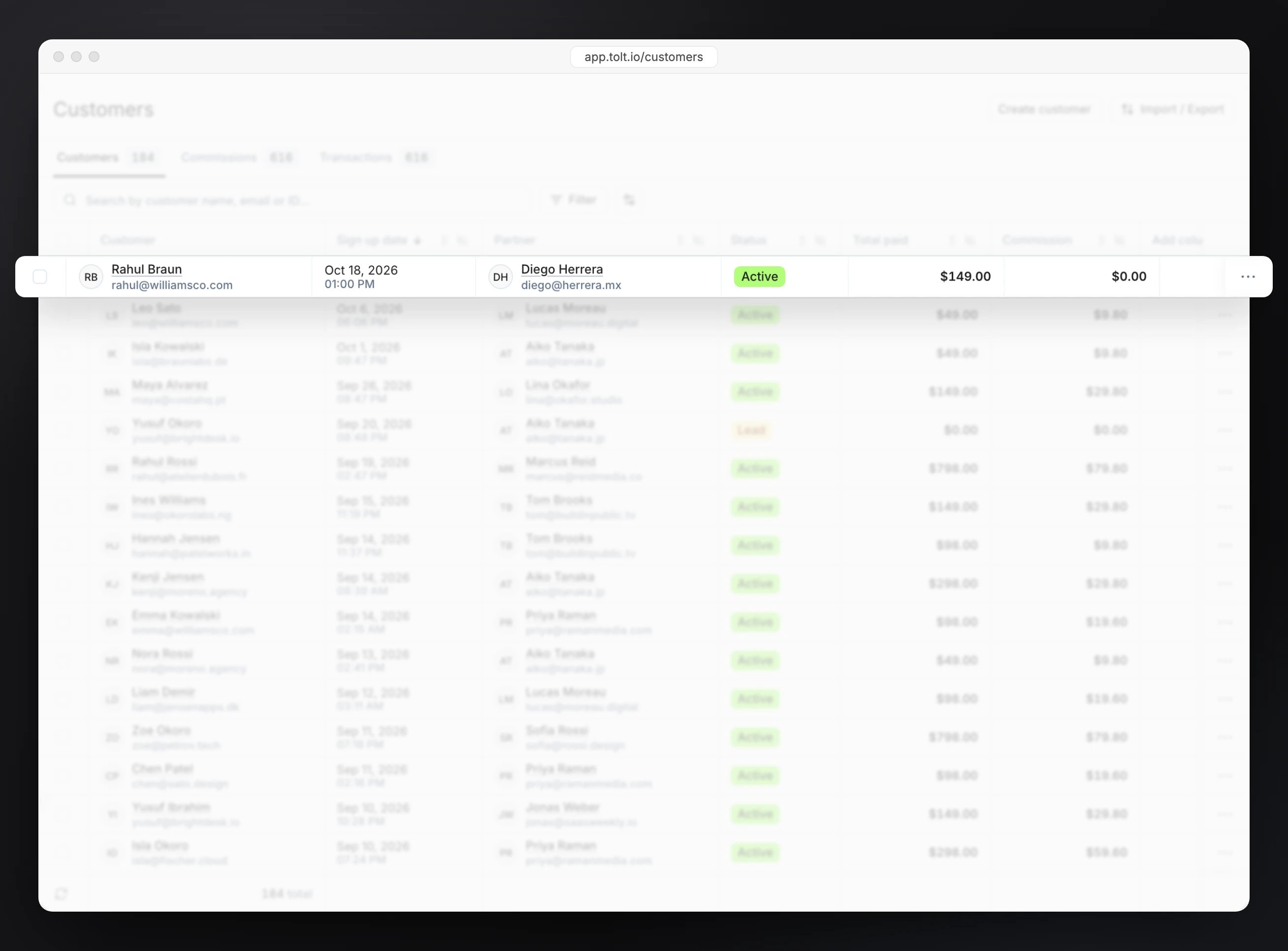
The same Customers area lists every referred customer and the transactions behind them. A commission is the partner’s cut of a transaction, so this is where the money trail starts.