

Browsertolt.js
Your servercheckout
Stripepayments
Toltattribution
1?ref=sam
2tolt_referral: clk_3nVb…
3metadata.tolt_referral
4charge.succeeded
5commission for Sam
Install the Tolt app
1
Find Tolt on the Stripe App Marketplace
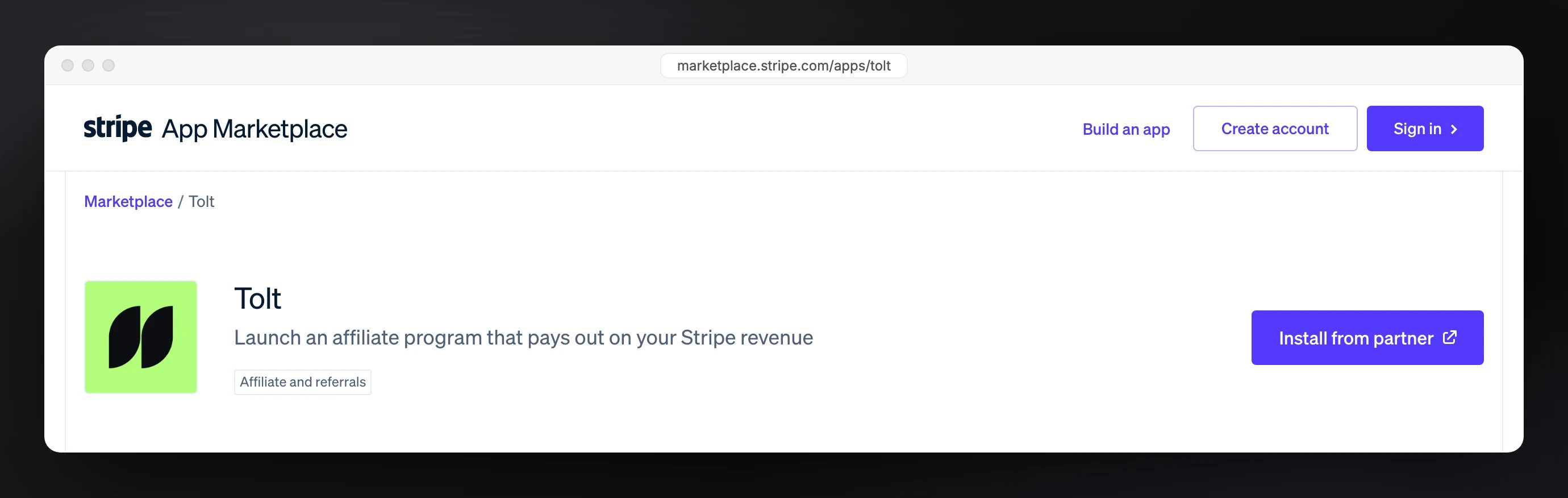
Open marketplace.stripe.com/apps/tolt and click Install from partner. It takes you to Tolt to finish connecting. You can also start inside Tolt, under Settings → Integrations → Stripe.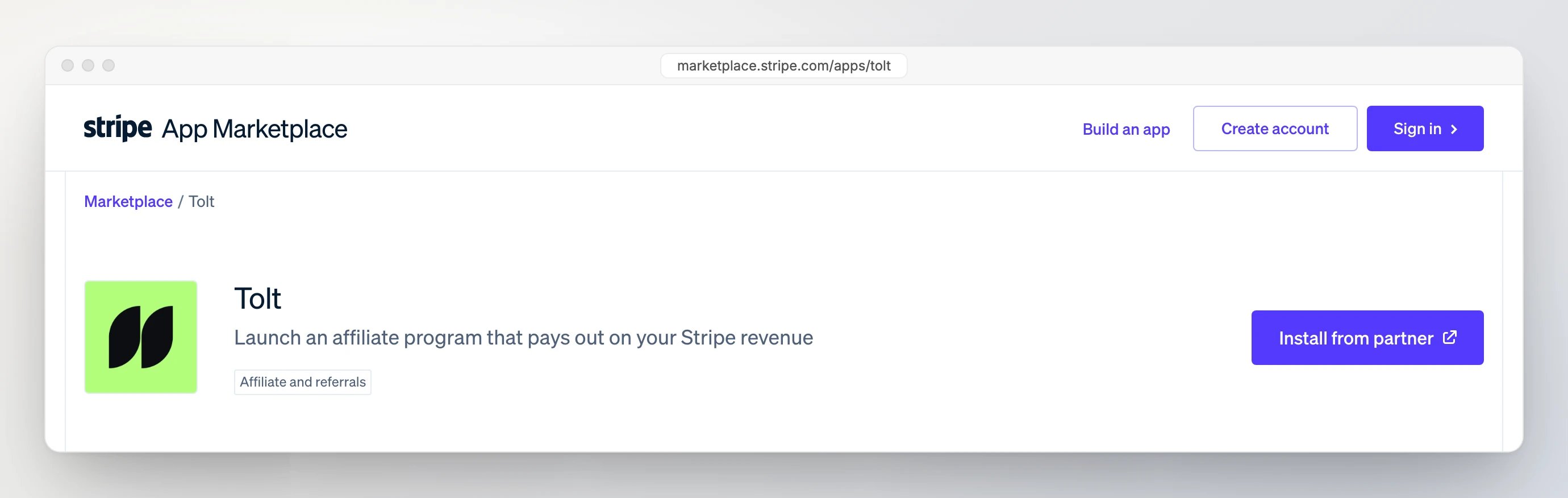
2
Approve access in Stripe
In Tolt, click Install the Tolt app. Stripe shows what the app can access. Approve it and Stripe sends you back to Tolt. Access is read-only, except coupons and promotion codes, which Tolt creates for partner discount codes.
3
You're connected
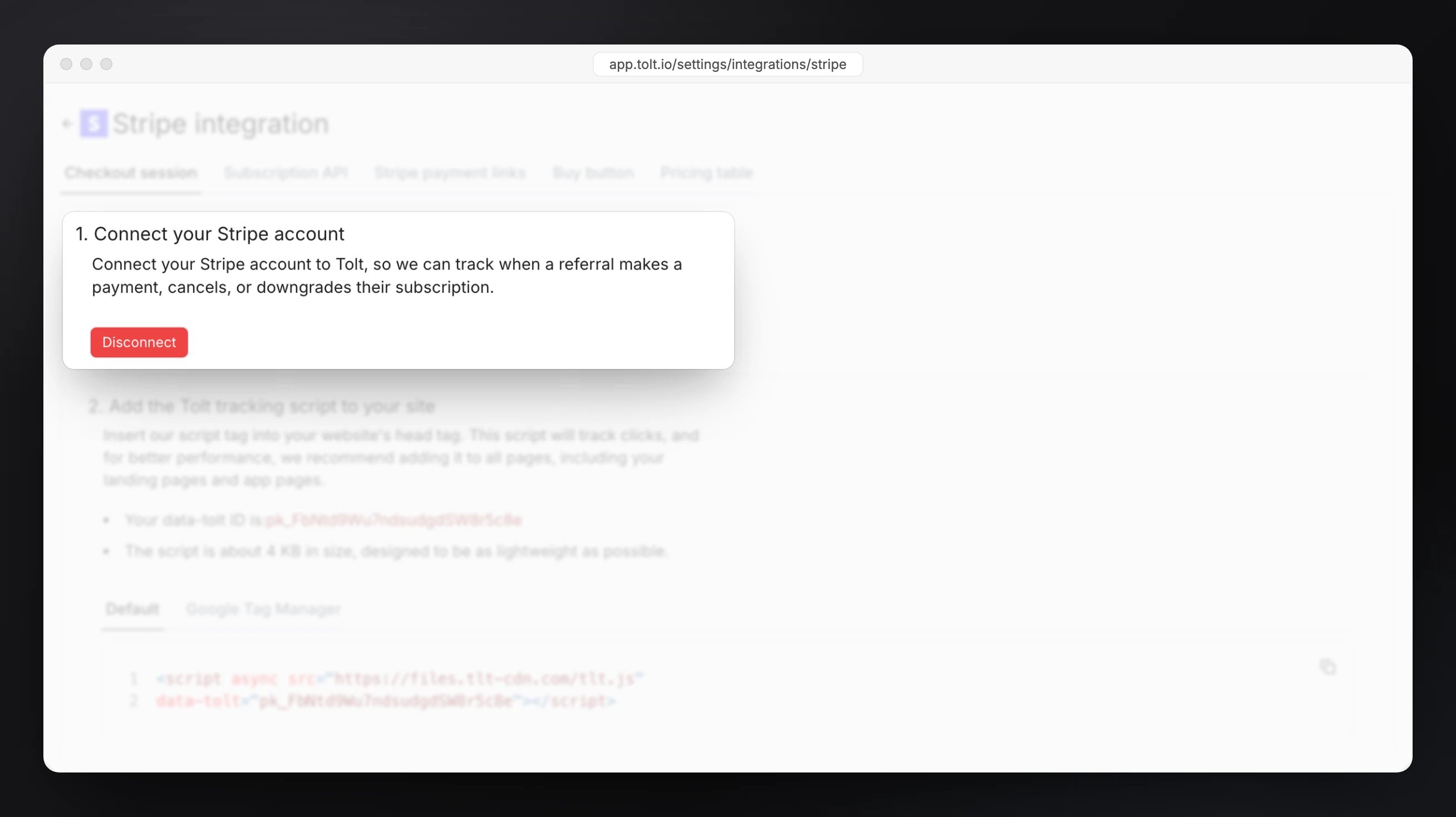
The Stripe integration page now shows a Disconnect button, and payments start syncing right away. Stay on this page for the next part: passing the referral to Stripe.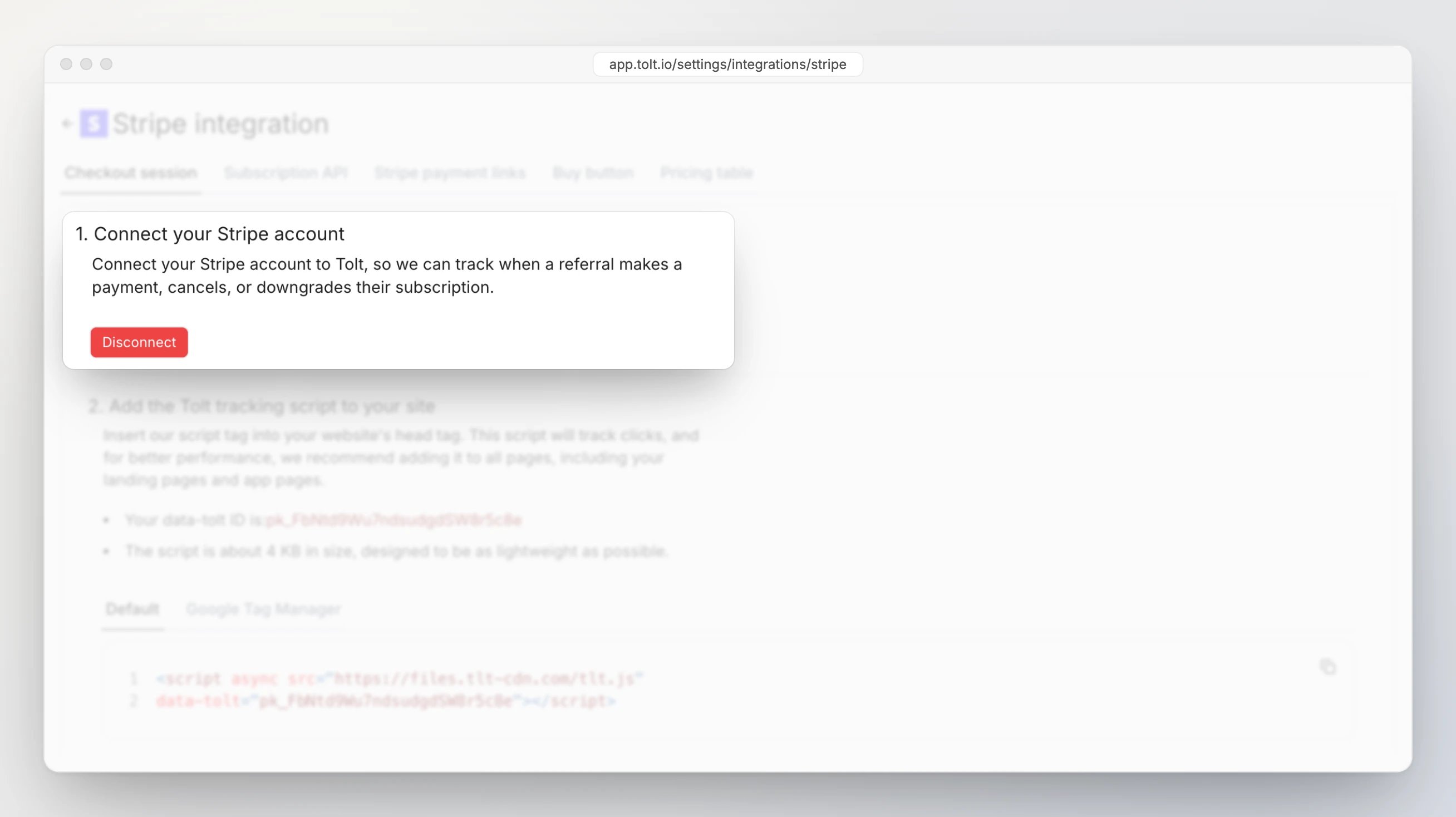
Pass the referral to Stripe
Add tolt.js to every page of your site and app. It records the click and exposes the referral aswindow.tolt_referral. Then hand it to Stripe with whatever you use to take payments.
- Checkout Session
- Payment Links
- Pricing Table
- Stripe API
Send the referral from the browser to your server:Then put it on the session as
Browser
metadata.tolt_referral:Tolt matches Stripe checkouts through the Stripe customer, and subscriptions always create one. For one-time payments, make sure a customer is created too:
customer_creation: "always" on a Checkout Session, or the customer-creation option on a Payment Link (Buy Buttons use Payment Links). A guest checkout without a customer can’t be credited to a partner.How Tolt finds the partner
Every Stripe payment is checked against a fixed list of signals, in order. The first one that matches decides the partner. If none match, the payment isn’t a referral and Tolt ignores it.Metadata keys
Put one of these keys in Stripemetadata. Pick whichever id you have at hand.
tolt_click, tolt_partner_id and tolt_partner_external are accepted as aliases. If one object has several keys, Tolt uses tolt_customer first, then tolt_referral, then the partner keys. With a partner key and no existing customer, Tolt creates the customer as a lead for that partner.
Where to put them
Without metadata
client_reference_id: Checkout, Payment Links, Pricing Tables and Buy Buttons accept it, and tolt.js can set it for you. It must be the click id fromwindow.tolt_referral.- Email: if the Stripe customer’s email matches a customer already in Tolt, from
tolt.signup()or the API, the payment goes to that customer’s partner. Nothing to set up, as long as your app and Stripe use the same email. - Promotion codes: a promotion code that belongs to a partner in Tolt credits that partner, even without a click. See Promo codes.
Lookup order
For every payment, Tolt asks these questions in order and stops at the first yes. If every answer is no, the payment isn’t a referral.- Has Tolt matched this Stripe customer before? Then it’s the same partner as last time. This is how renewals are credited.
- Does the Stripe customer have Tolt metadata?
tolt_referral,tolt_customeror a partner key on the customer. - Does the payment itself have Tolt metadata? The same keys on the charge, subscription or checkout session.
- Does the checkout have a
client_reference_id? Checkout Sessions, Payment Links, Pricing Tables and Buy Buttons only. - Does the email match a customer in Tolt? One created earlier by
tolt.signup()or the API. - Was a partner’s promotion code used? On the invoice, subscription or checkout.
What Tolt syncs
The app listens to these Stripe events. Nothing to configure.See it in Tolt
Each payment shows up under Customers → Transactions a few seconds after Stripe confirms it, and you can search the list by its Stripe charge id. Commissions follow under Commissions.

Details
Free trials
Free trials
A trial makes the customer trialing in Tolt, linked to the partner. No transaction or commission until the first paid invoice, which arrives as a normal
charge.succeeded.Taxes and discounts
Taxes and discounts
By default the tracked amount is what Stripe captured: after discounts, including tax. Turn on Exclude Stripe tax in the tracking amount on the integration page to use the invoice total before tax instead.
Currencies
Currencies
Payments in another currency are converted to your program currency at the latest exchange rate. The transaction keeps both the original and the converted amount.
Skip a charge
Skip a charge
Add
metadata.tolt_handle = "exclude" to a charge and Tolt ignores it. Useful for internal or manual charges.Disconnect
Disconnect
Uninstall the Tolt app in Stripe and Tolt disconnects automatically. If you click Disconnect in Tolt instead, also remove the app under Settings → Installed apps in Stripe.