

Browsertolt.js + Paddle.js
Paddlebilling
Toltattribution
1?ref=sam
2customData.tolt_referral
3transaction.completed
4comm_2nV8… 1470
Set up
1
Connect Paddle
In the dashboard, go to Settings → Integrations → Paddle and pick your Paddle version.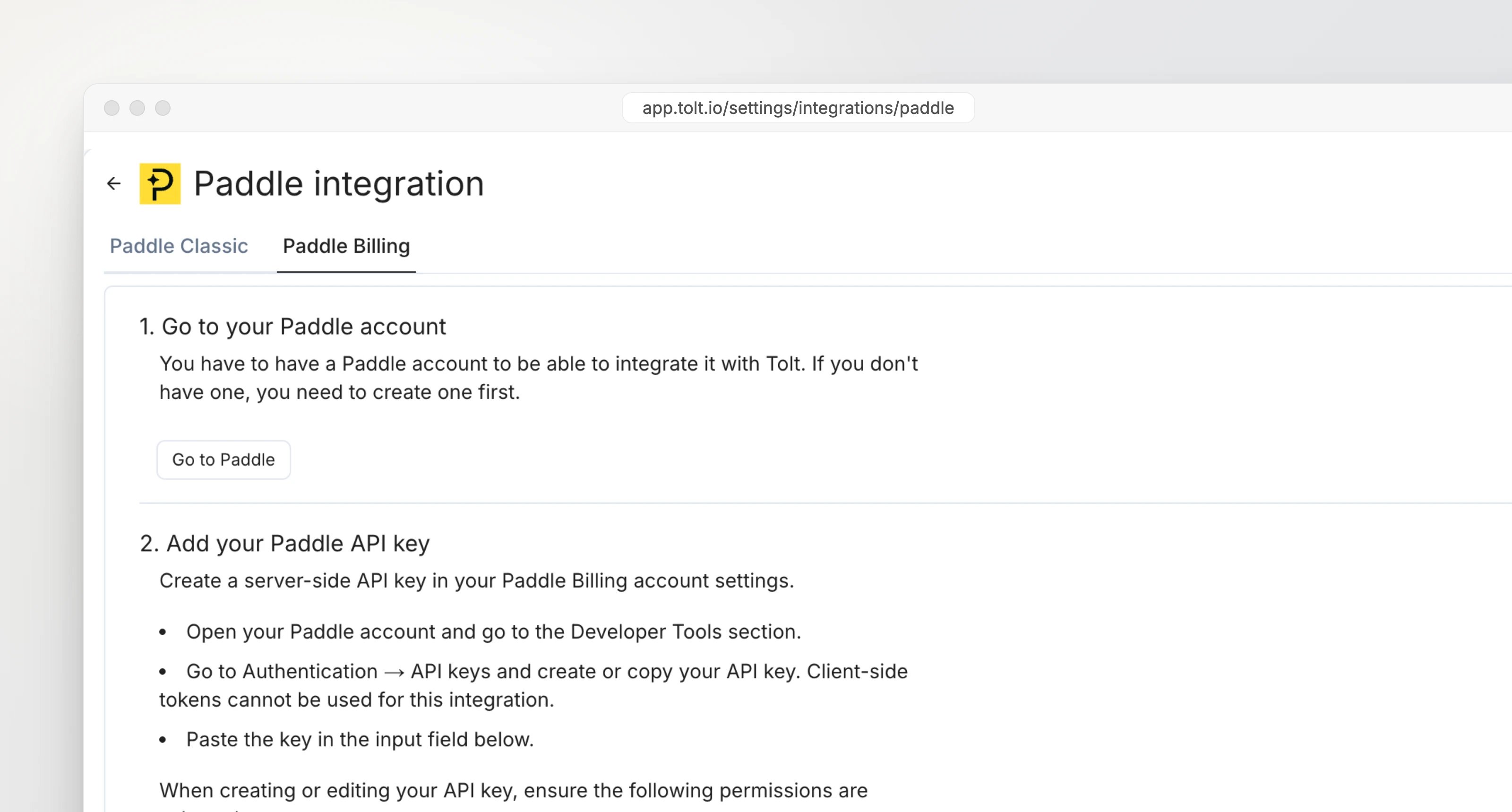
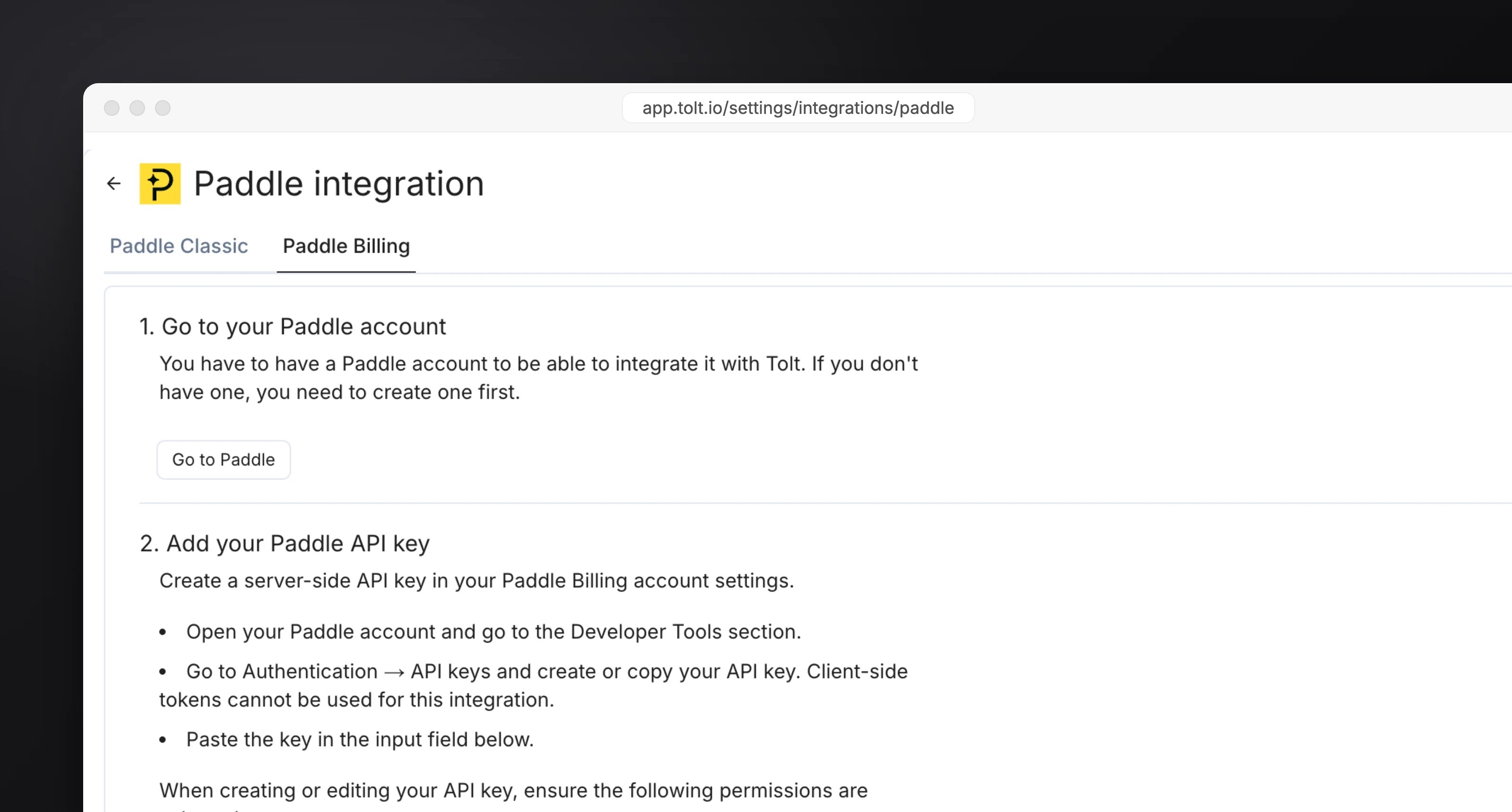
- Paddle Billing
- Paddle Classic
In Paddle, open Developer Tools → Authentication and create a server-side API key (not a client-side token) with these permissions:
ReadAdjustments, Customers, Products, Subscriptions, Transactions, NotificationsRead & WriteDiscounts
Paste the key into Tolt.2
Add tolt.js
Add the script to every page of your site and app. See Install tolt.js.
HTML
3
Pass the referral to Paddle
Add Creating transactions from your server instead? Set
tolt_referral to customData when you open the checkout.- Paddle Billing
- Paddle Classic
Paddle.js
custom_data: { "tolt_referral": "<referral>" } on the transaction.4
Add the webhook
Copy the webhook URL from the Paddle integration page in the Tolt dashboard and add it in Paddle.
- Paddle Billing
- Paddle Classic
In Paddle, go to Developer Tools → Notifications and add a destination with that URL. Select these events:
subscription.created, subscription.canceled, transaction.completed, adjustment.created, adjustment.updated, discount.updatedThen copy the destination’s secret key into the Webhook secret field in Tolt and save.5
Test it
Open a partner link like
acme.com/?ref=sam, complete a checkout, then find the customer under Customers and the commission under Commissions in the dashboard.Details
Excluding fees and tax
Excluding fees and tax
The Paddle integration page has two switches: Exclude Paddle fee and Exclude Paddle tax from the tracked amount. Both are off by default.
Refunds
Refunds
Paddle Billing refunds and chargebacks arrive as adjustments, Paddle Classic refunds as refund alerts. Unpaid commissions are zeroed and paid ones get a negative commission. See Refunds.