The tabs across the top split partners by state: Active (approved and earning), Pending (applied, awaiting your approval), Invited (sent an invite, not yet signed up), and Suspended.
Invite a partner directly
1
Open the invite
On Partners, click New partner, then Invite partner to send an invite or Create partner to add them directly.
2
Enter their email
Add the partner’s email, for example sam@rivera.studio.
3
Send it
With an invite, they get an email to open their partner dashboard and get their link.
Approve a sign-up
When someone applies through your portal they land in the Pending tab.
 Open the Pending tab, review the applicant, and approve or reject them from the row’s actions. Approving activates the partner and issues their referral link immediately.
Open a partner
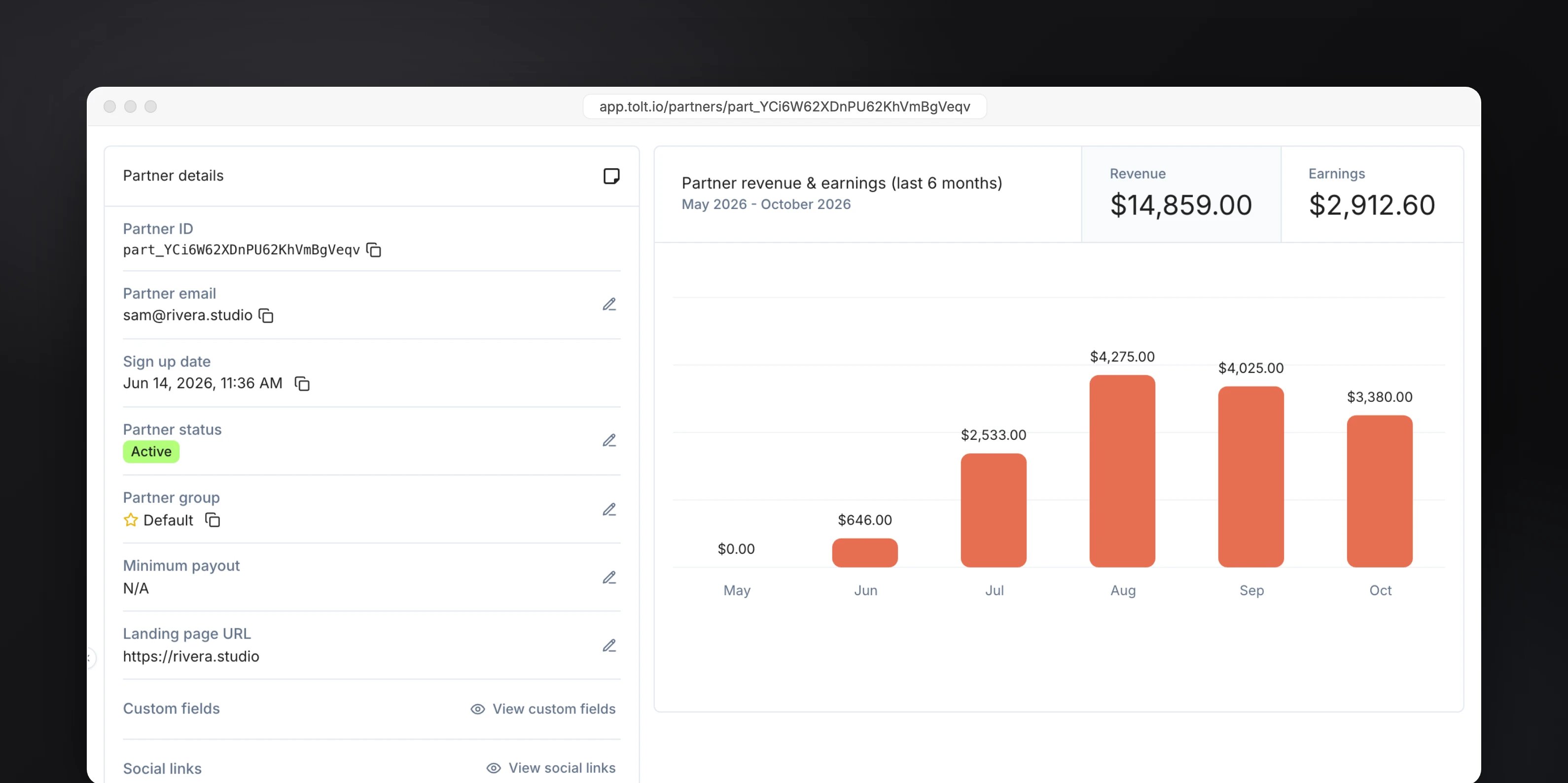
Click any partner to see their profile: lifetime revenue, earnings (paid and unpaid), customers, and a revenue chart, along with their links and payout method.